Paper-Less. Real-Time. DECISION-READY

Construction Progress,
Digitally Verified, Easy to Use

Turn site photos into decision-ready reports, with faster approvals via WhatsApp.

Turn site photos into decision-ready reports, with faster approvals via WhatsApp.

Weather app image
Weather app image
Weather app image

See verified construction progress clearly, from anywhere

AutoKon turns everyday site updates into verified progress records, helping teams monitor work, approve milestones, and maintain accountability through WhatsApp.
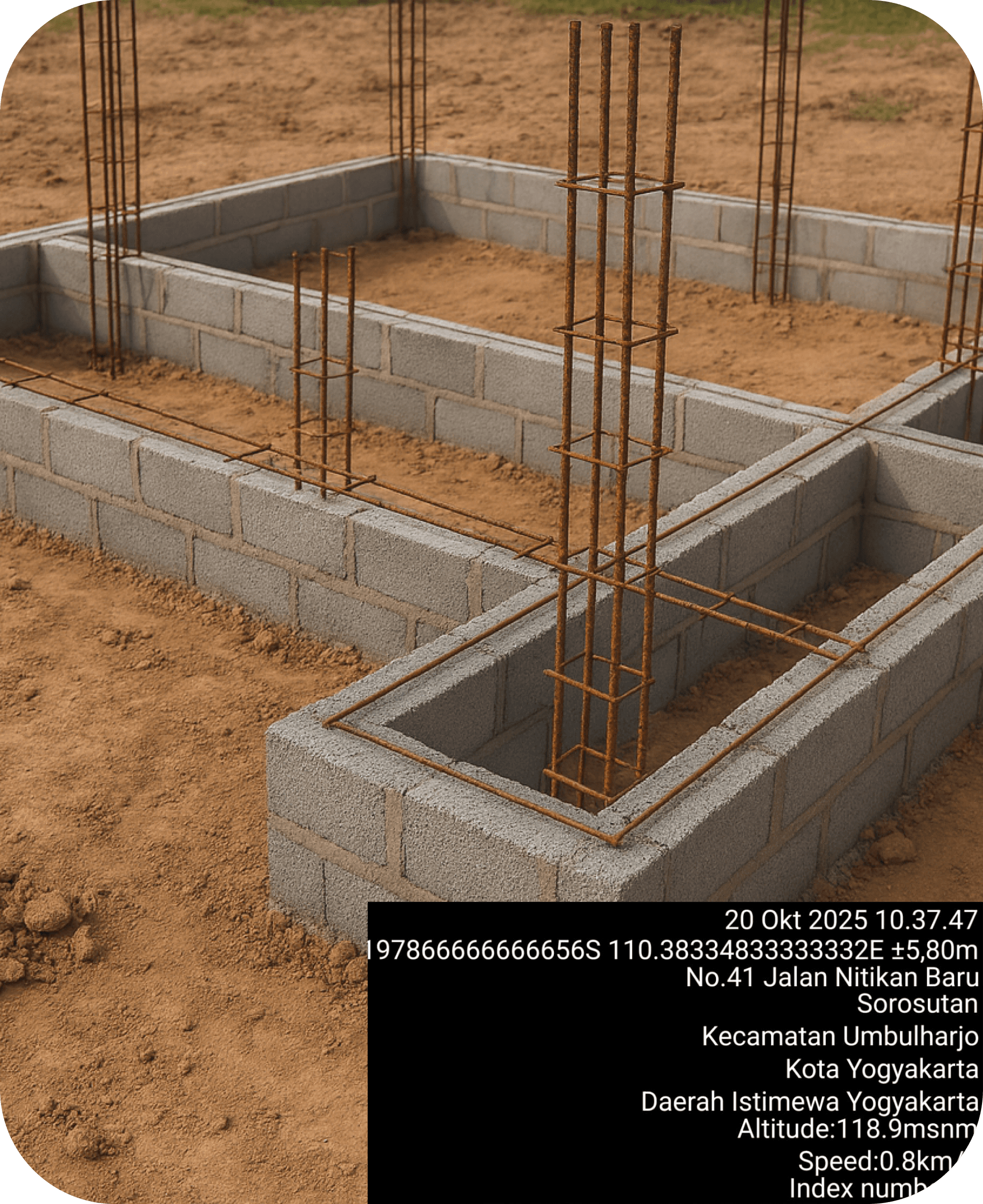
Verified Progress Records

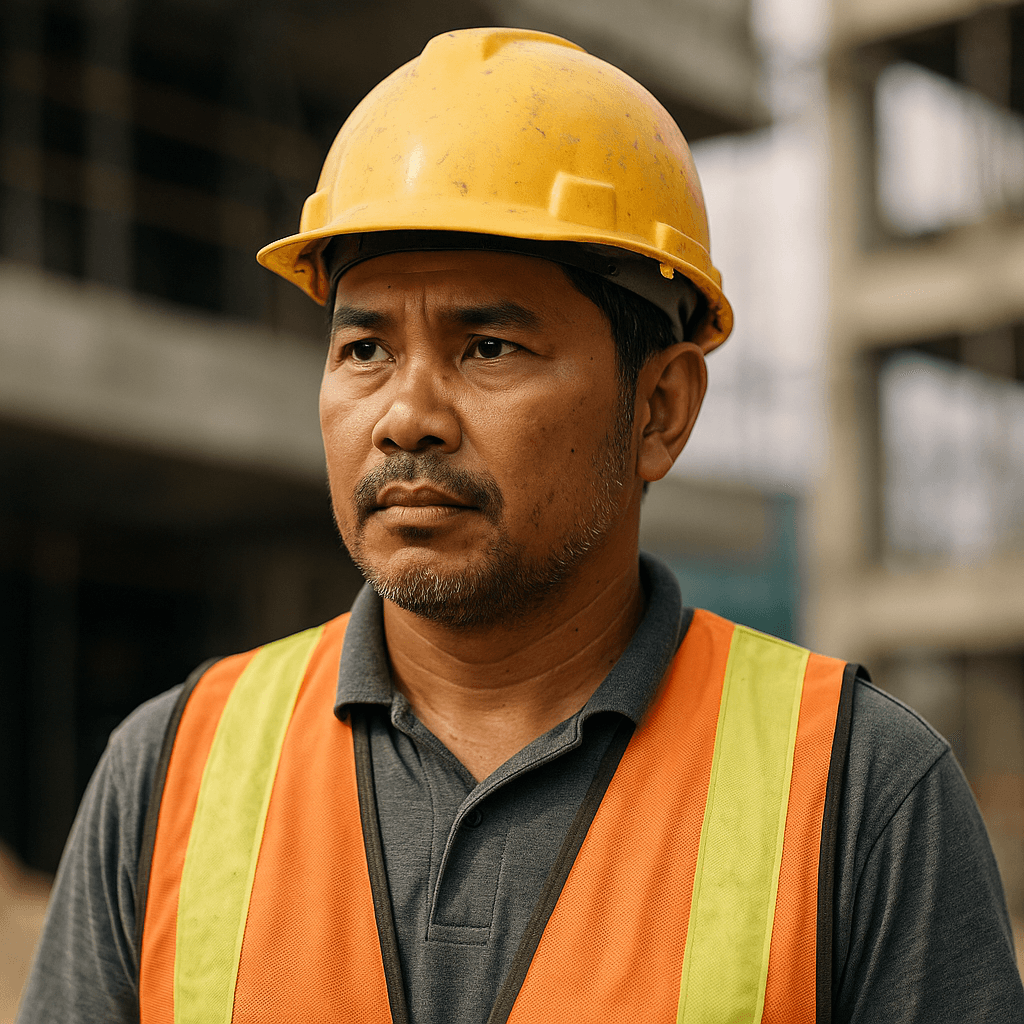
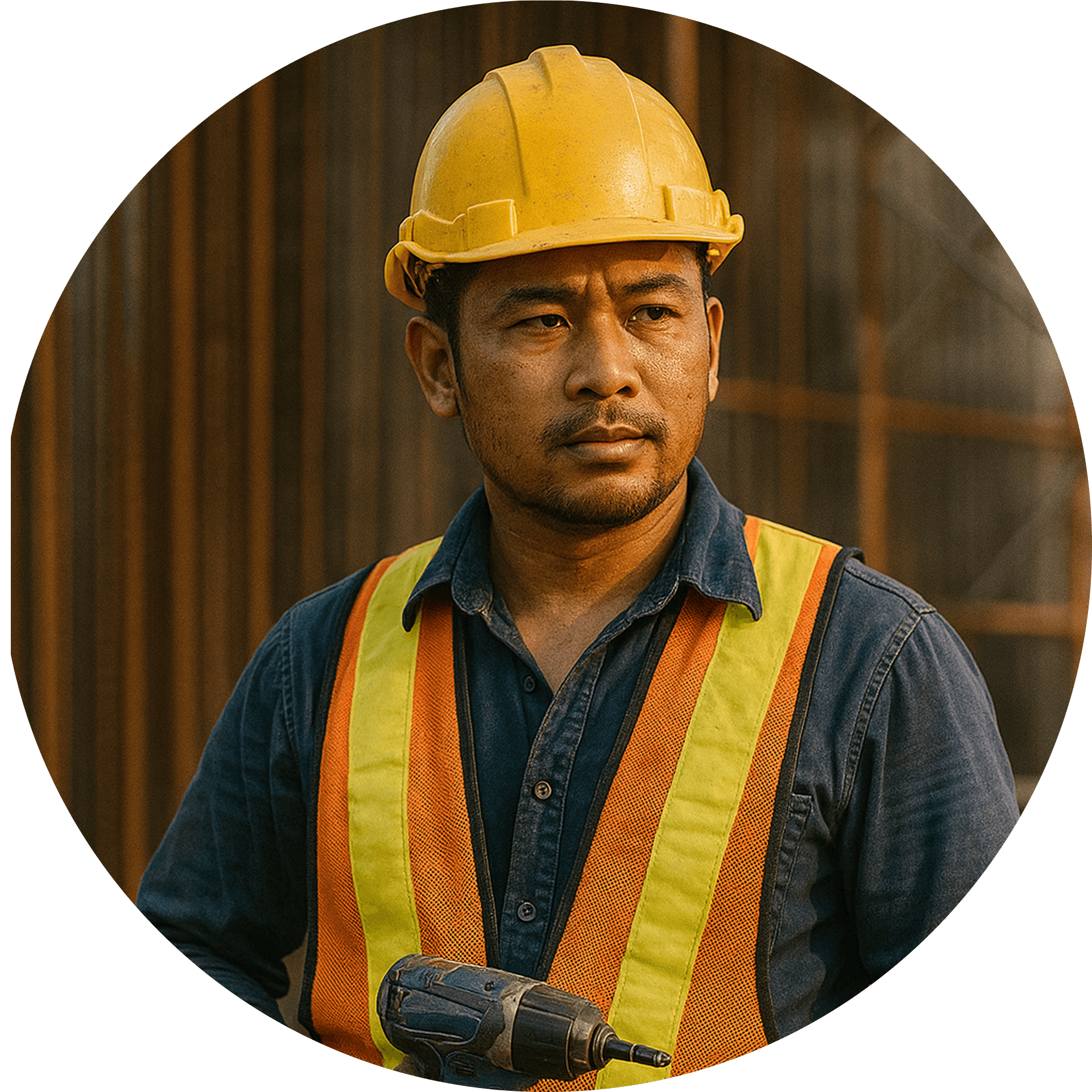
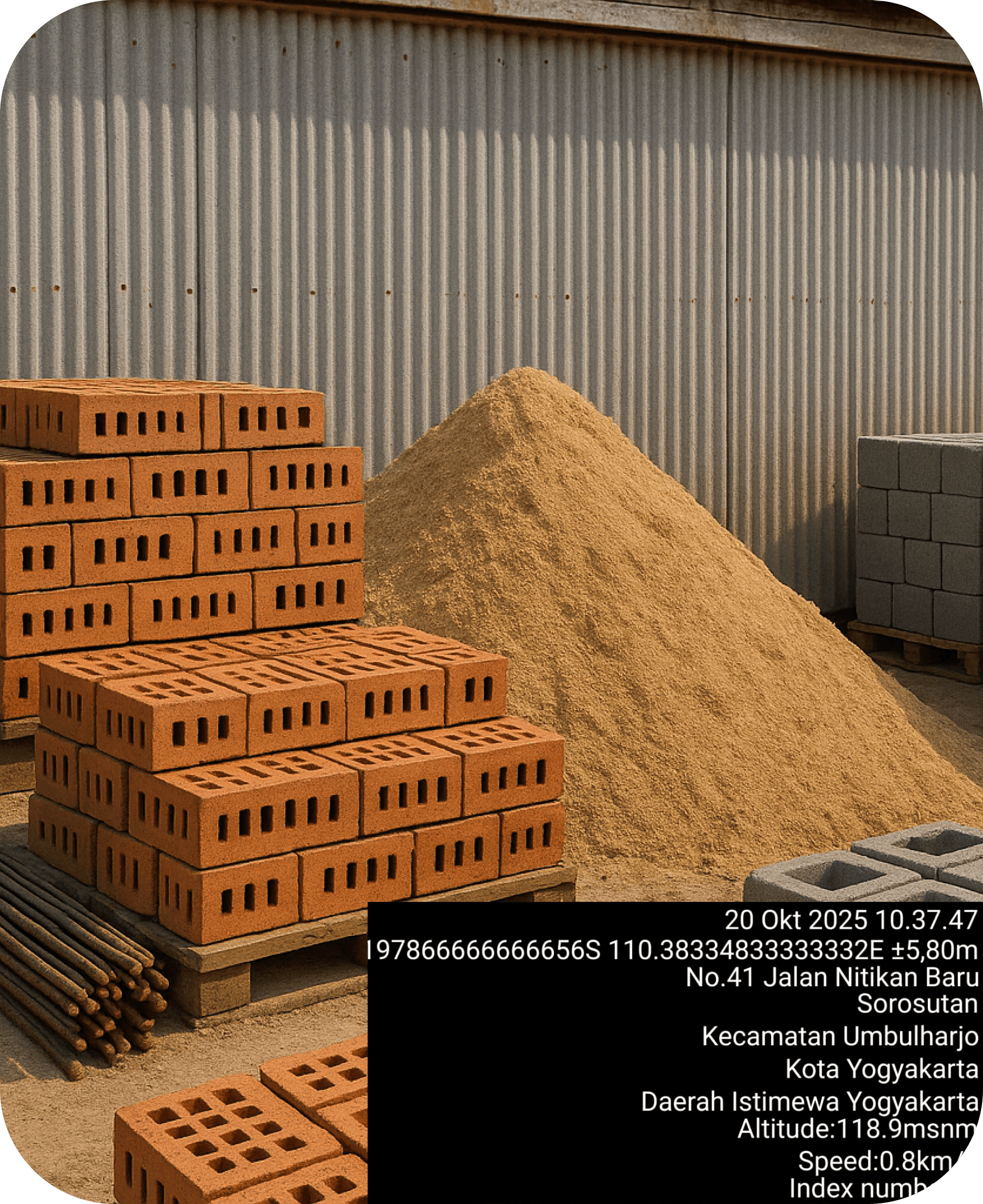
Every progress update is backed by timestamped and geotagged photos, creating progress records that can be trusted and reviewed.

Verified Progress Records

Every progress update is backed by timestamped and geotagged photos, creating progress records that can be trusted and reviewed.

Verified Progress Records

Every progress update is backed by timestamped and geotagged photos, creating progress records that can be trusted and reviewed.

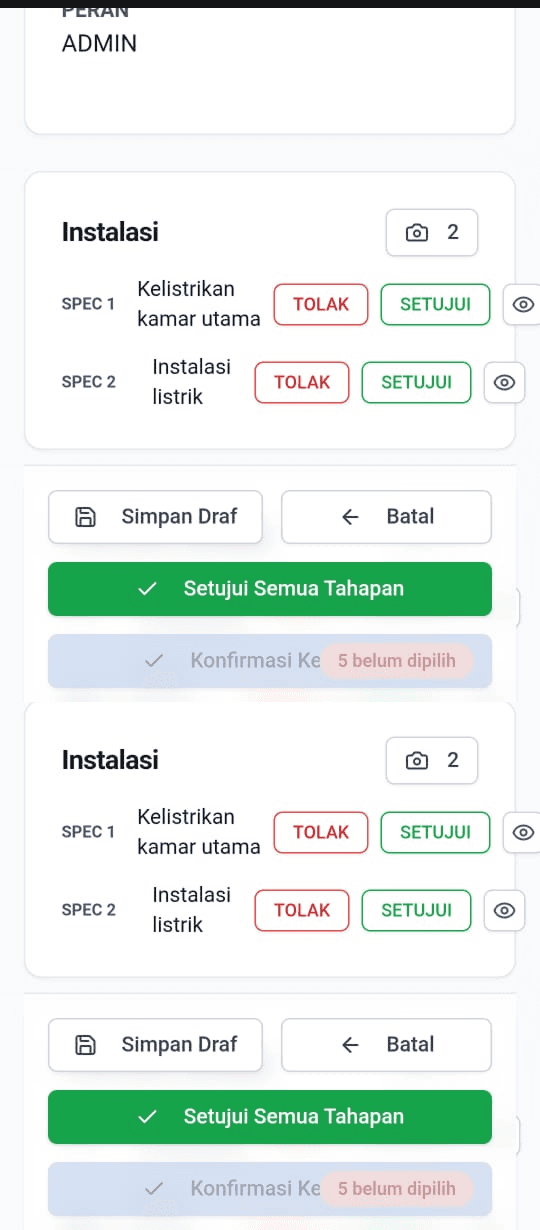
Clear Approval Workflow

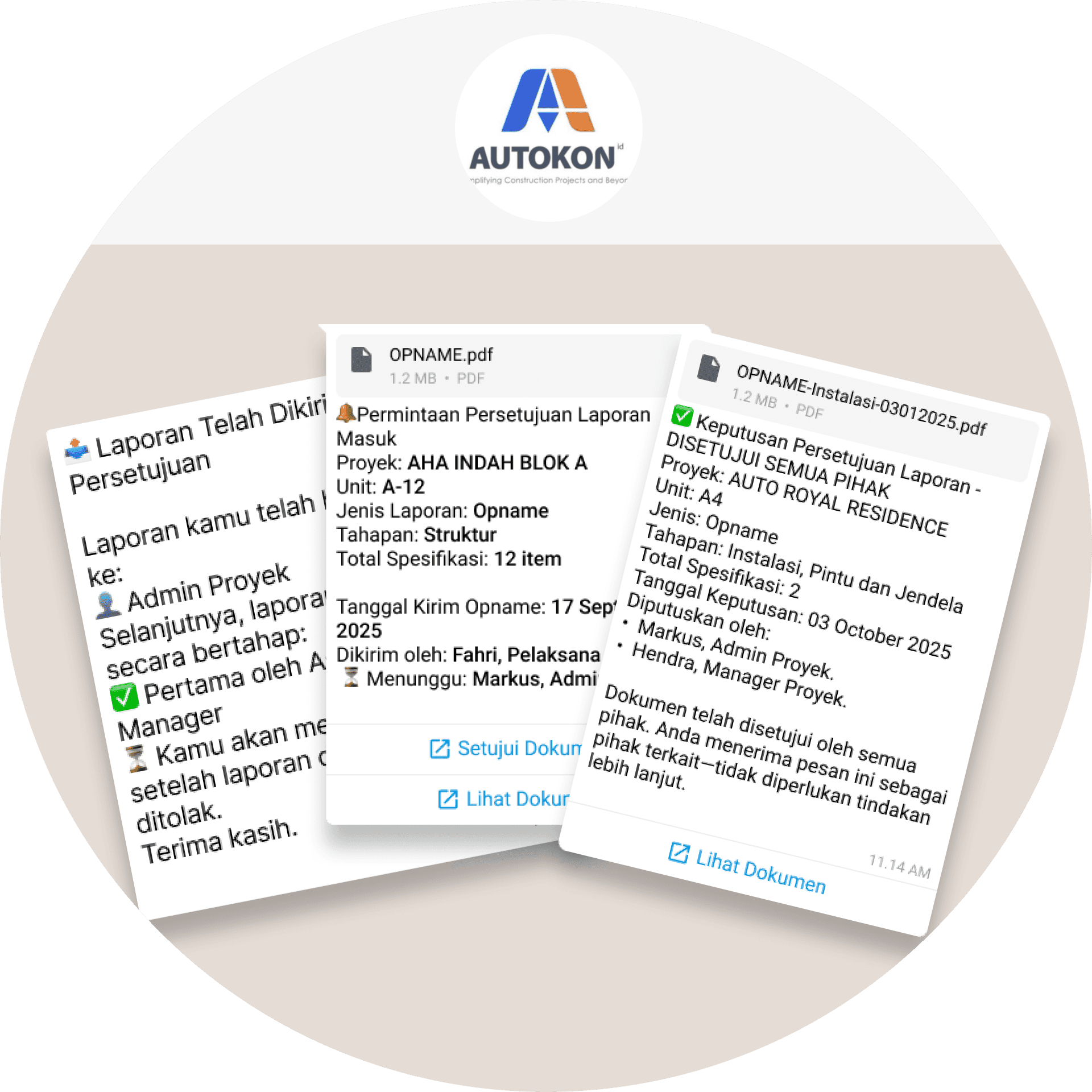
All project updates follow a shared approval flow, making reviews, decisions, and responsibilities clear for everyone involved.

Clear Approval Workflow

All project updates follow a shared approval flow, making reviews, decisions, and responsibilities clear for everyone involved.

Clear Approval Workflow

All project updates follow a shared approval flow, making reviews, decisions, and responsibilities clear for everyone involved.

Unit A-10 | Pondasi

20/12/2025, 14:45 wib

Unit A-09 | Struktur

20/12/2025, 13:30 wib

Unit A-08 | Atap

20/12/2025, 10:00 WIB

Unit A-07 | Instalasi

20/12/2025, 09:48 WIB

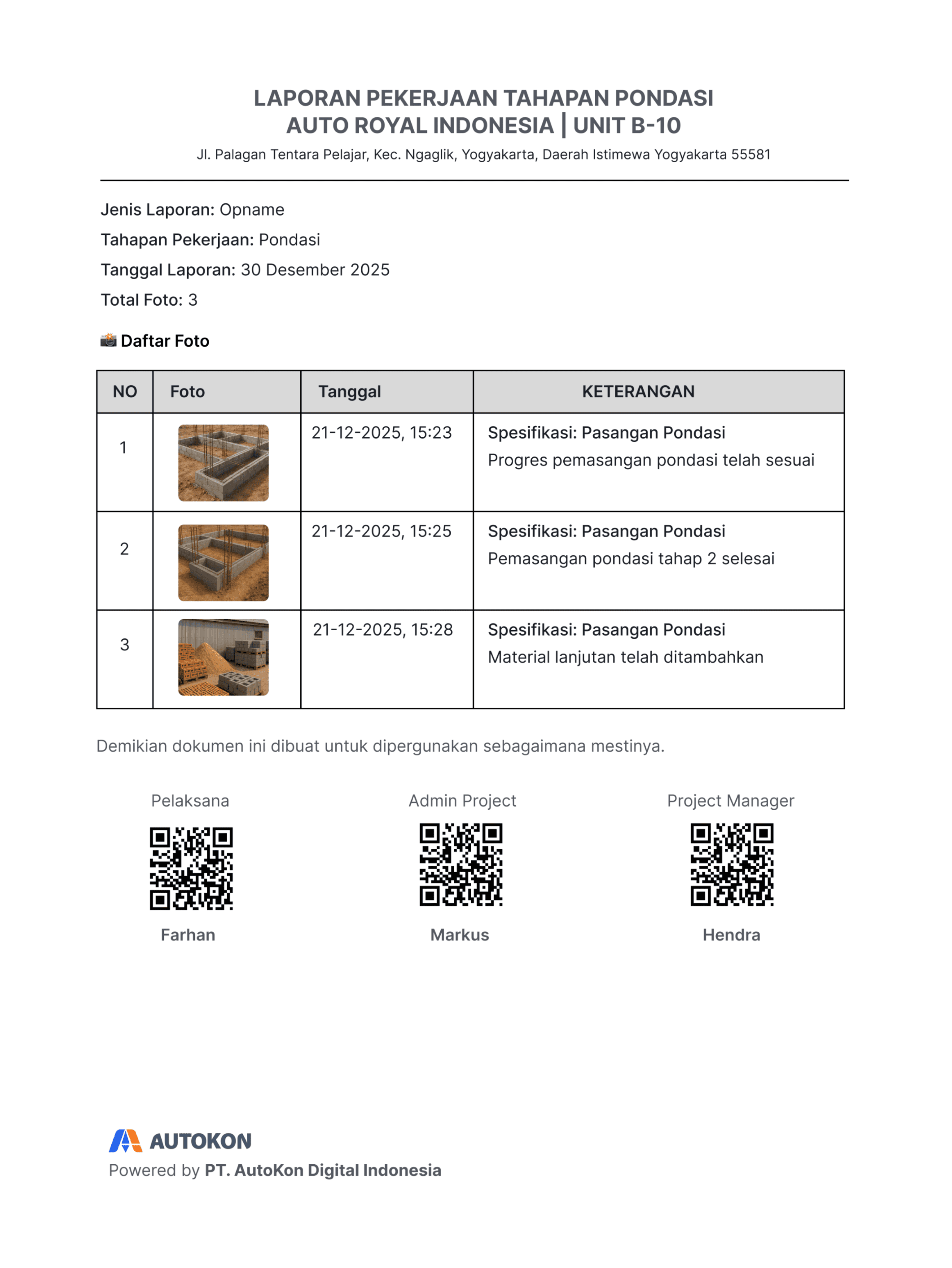
Decision-Ready Reports

Generate structured PDF reports directly from WhatsApp, ready to be reviewed, approved, and forwarded.

Unit A-10 | Pondasi

20/12/2025, 14:45 wib

Unit A-09 | Struktur

20/12/2025, 13:30 wib

Unit A-08 | Atap

20/12/2025, 10:00 WIB

Unit A-07 | Instalasi

20/12/2025, 09:48 WIB

Decision-Ready Reports

Generate structured PDF reports directly from WhatsApp, ready to be reviewed, approved, and forwarded.

Unit A-10 | Pondasi

20/12/2025, 14:45 wib

Unit A-09 | Struktur

20/12/2025, 13:30 wib

Unit A-08 | Atap

20/12/2025, 10:00 WIB

Unit A-07 | Instalasi

20/12/2025, 09:48 WIB

Decision-Ready Reports

Generate structured PDF reports directly from WhatsApp, ready to be reviewed, approved, and forwarded.

Weather app image
Weather app image
Weather app image

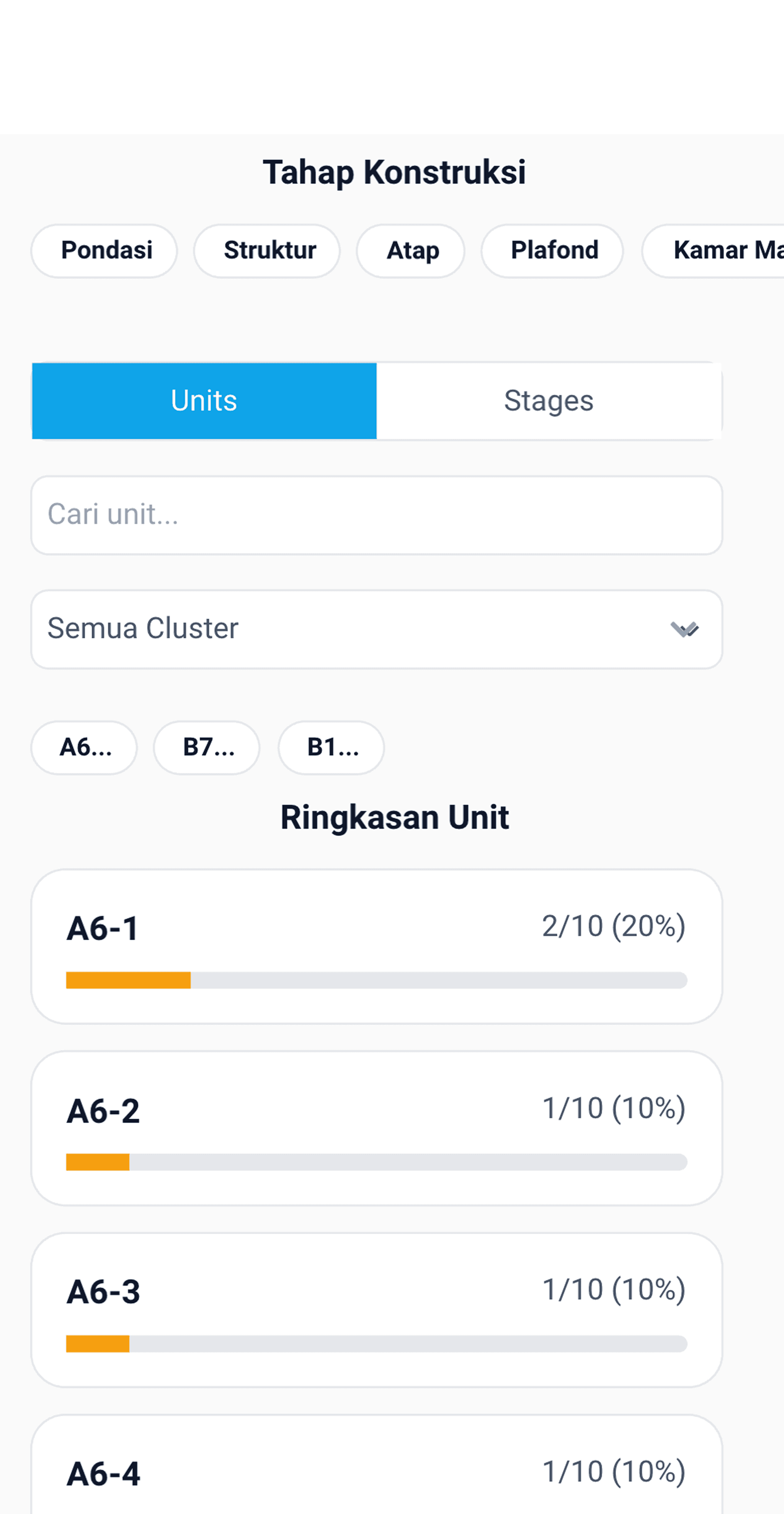
Real-Time Progress Overview

Get real-time visibility into project status and approvals, allowing management to monitor progress without constant site visits.

Weather app image
Weather app image
Weather app image

Real-Time Progress Overview

Get real-time visibility into project status and approvals, allowing management to monitor progress without constant site visits.

Weather app image
Weather app image
Weather app image

Real-Time Progress Overview

Get real-time visibility into project status and approvals, allowing management to monitor progress without constant site visits.

How it works

From site updates to verified reports in three simple steps.

AutoKon turns daily site updates into verified progress reports, directly within WhatsApp. No new apps. No complicated systems.
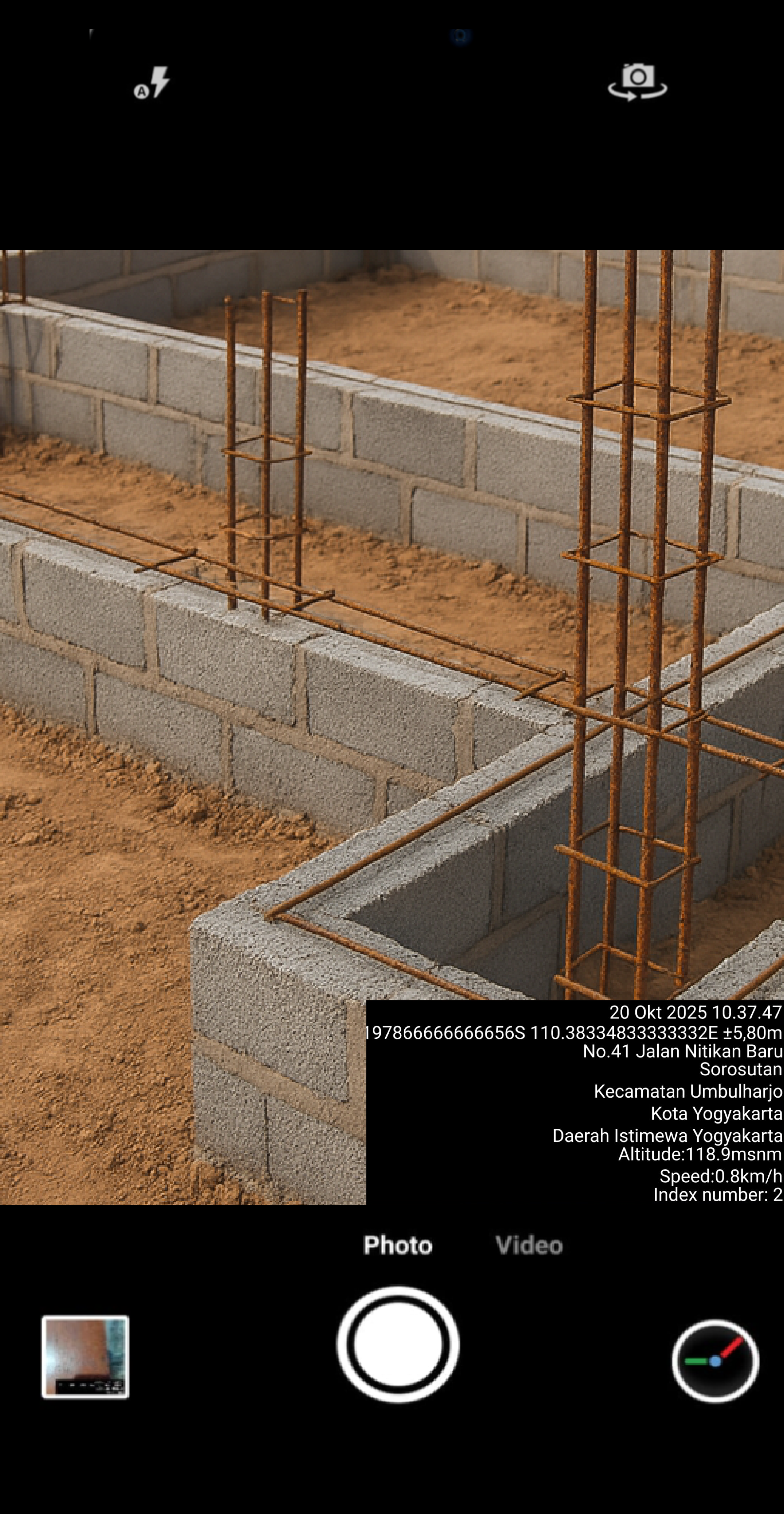
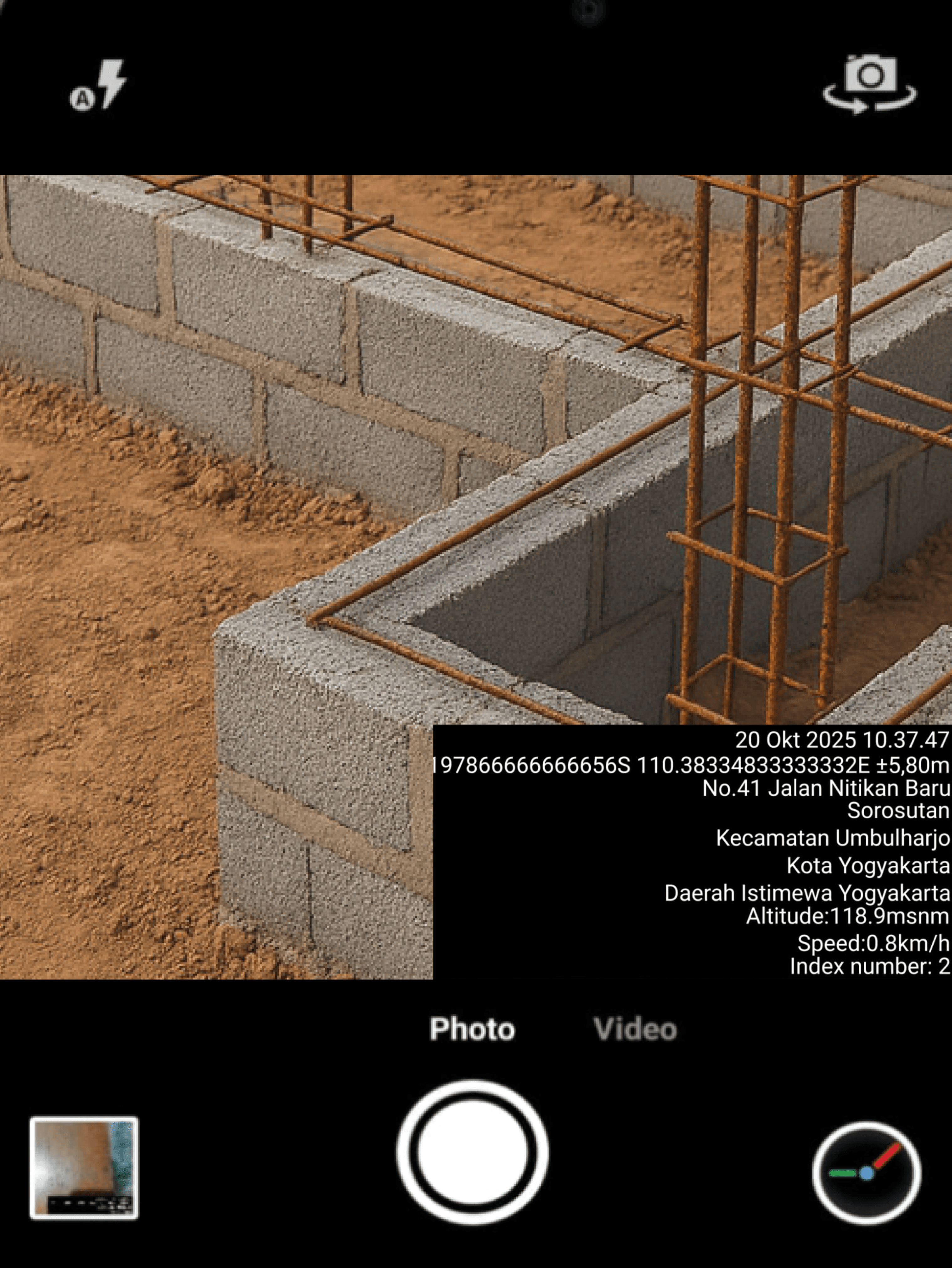
Step 1 — Capture Progress

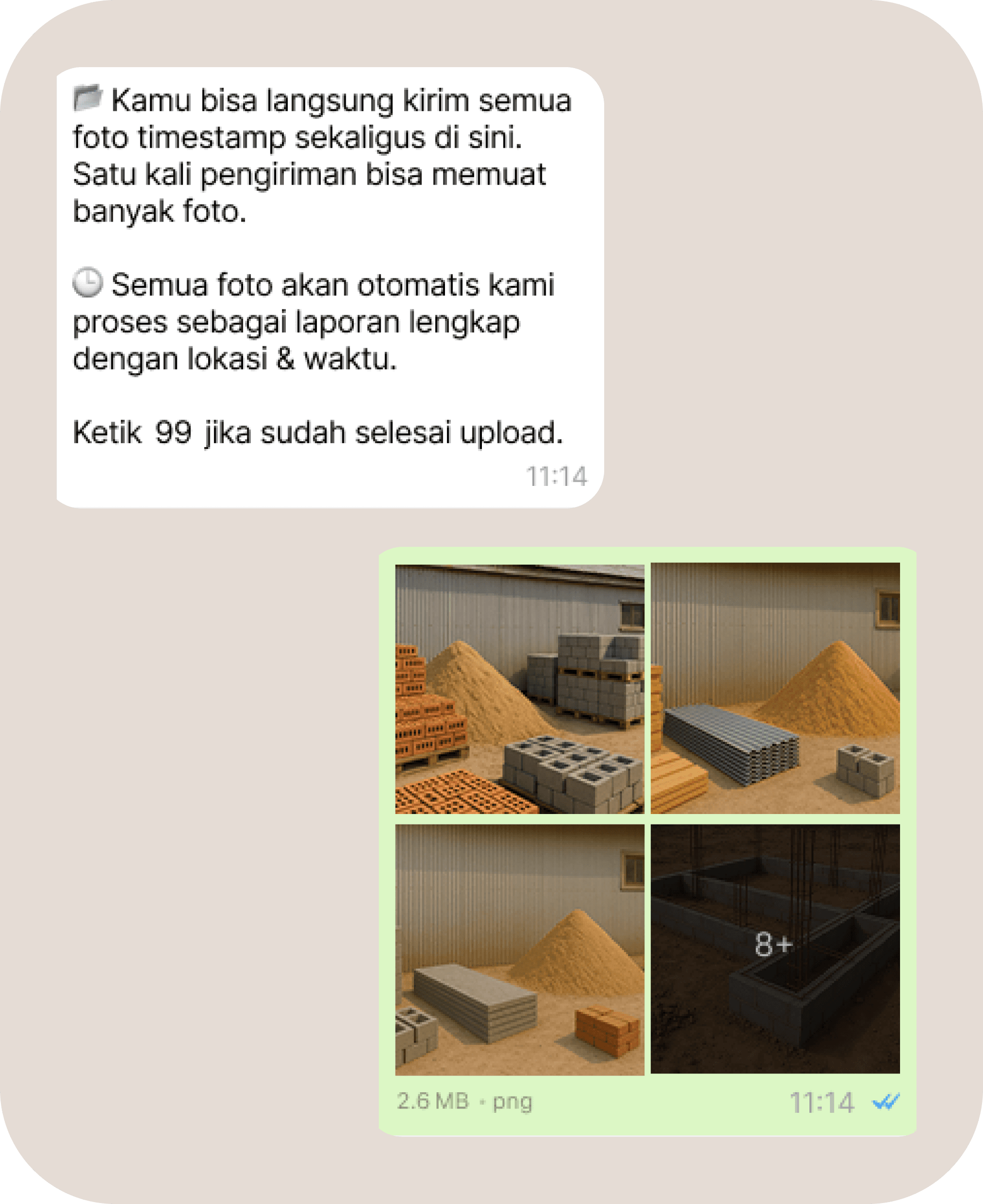
Take photos of construction progress using a timestamp camera app. Each photo is geotagged and time-stamped, creating verified documentation from the field.

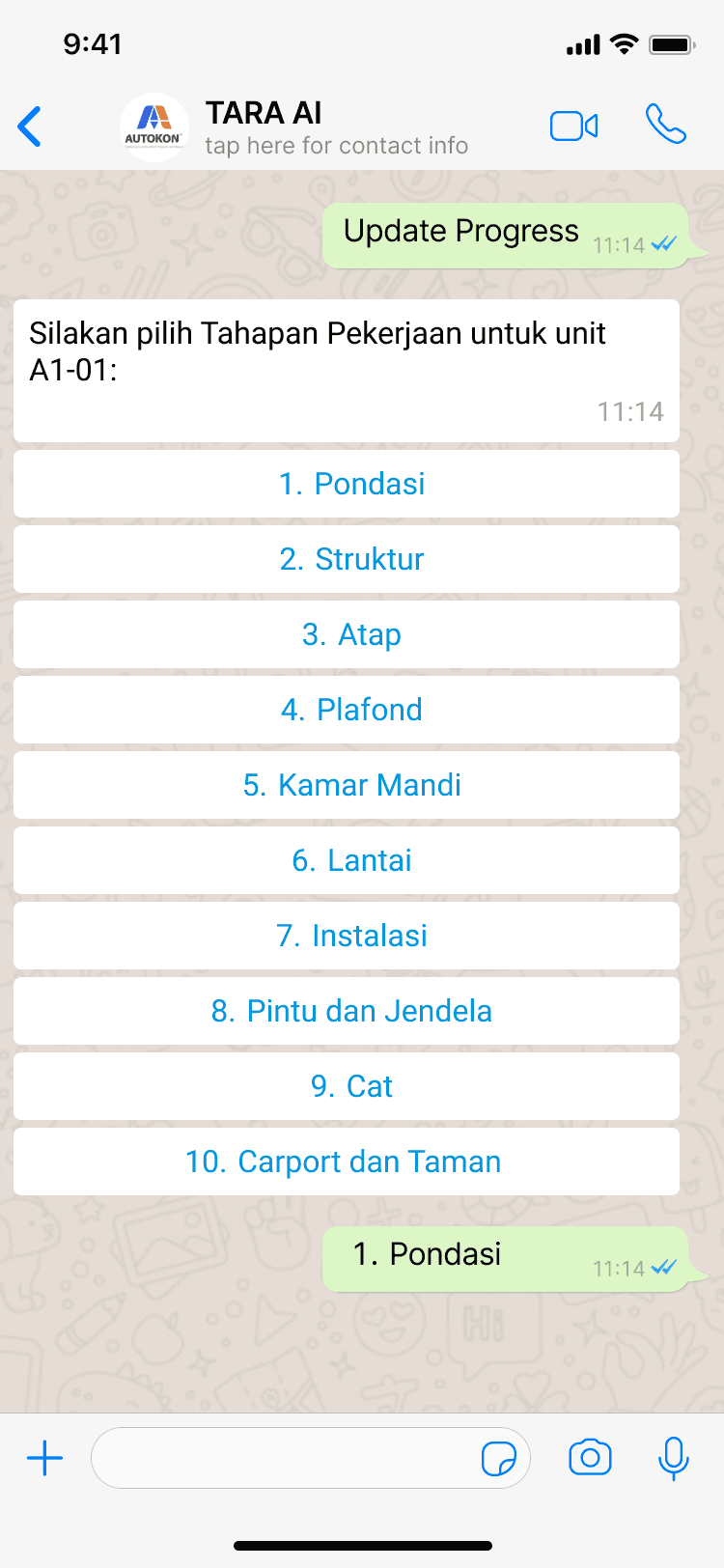
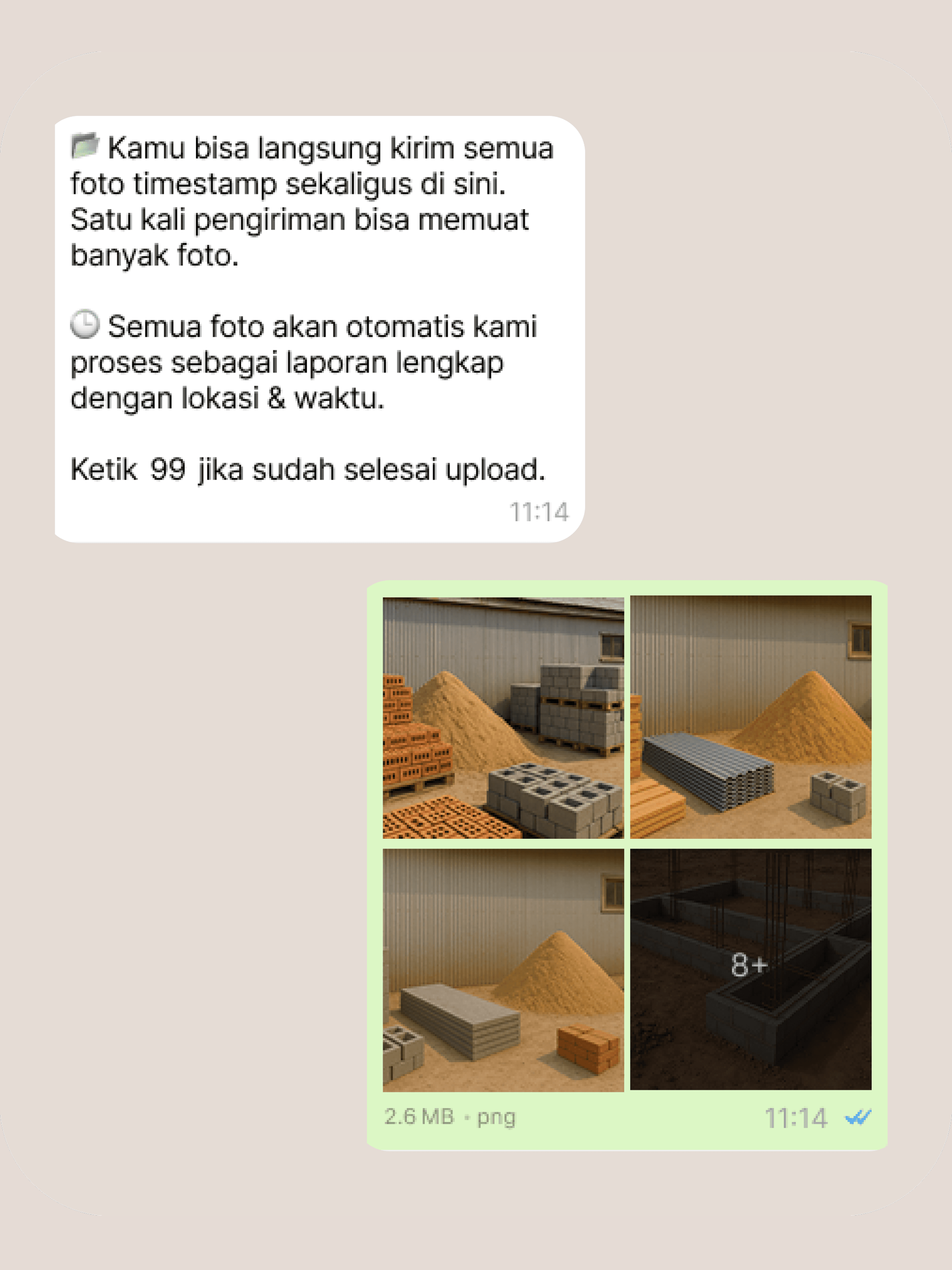
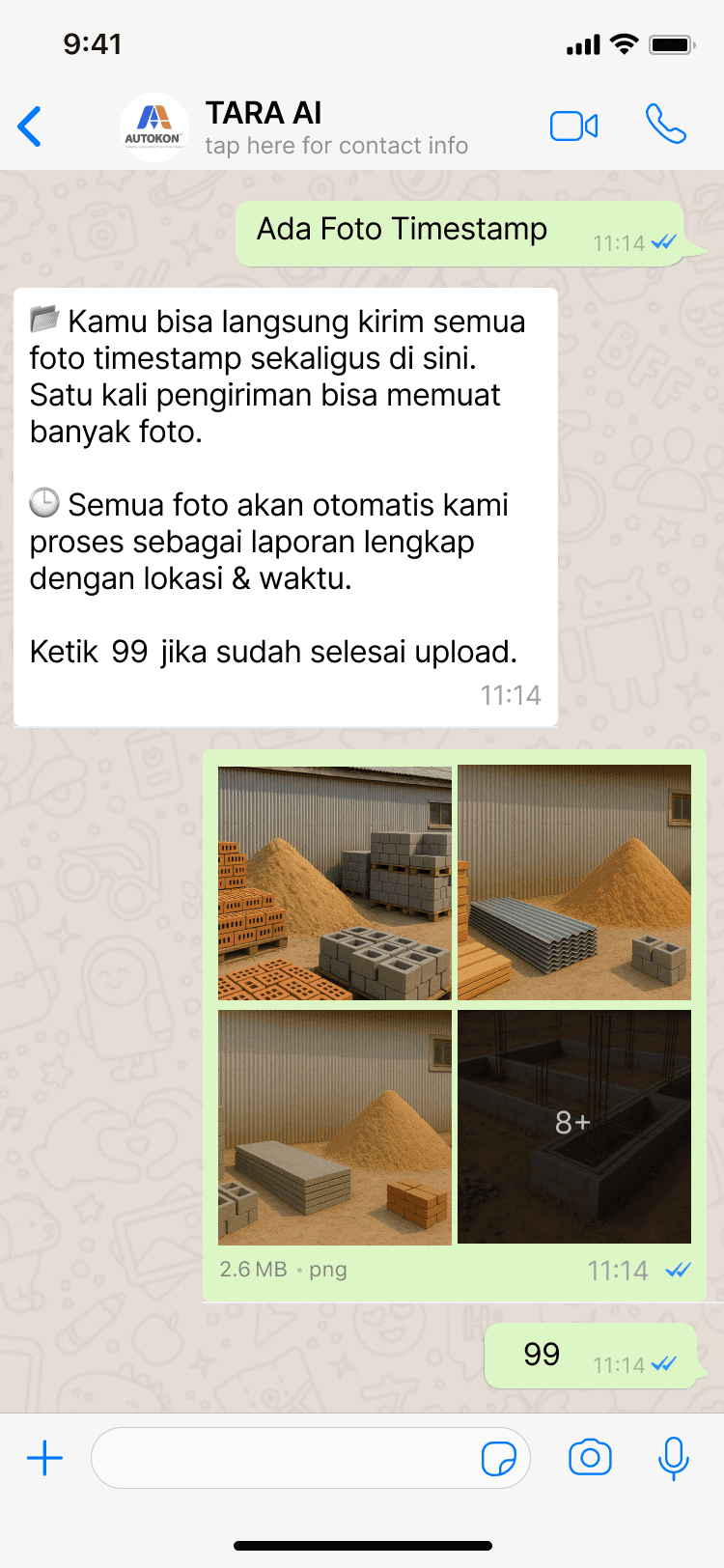
Step 2 — Send to TARA AI (via WhatsApp)

Send your photos to TARA AI, AutoKon’s AI assistant on WhatsApp. TARA AI organises your updates, logs key details, and prepares them for reporting.

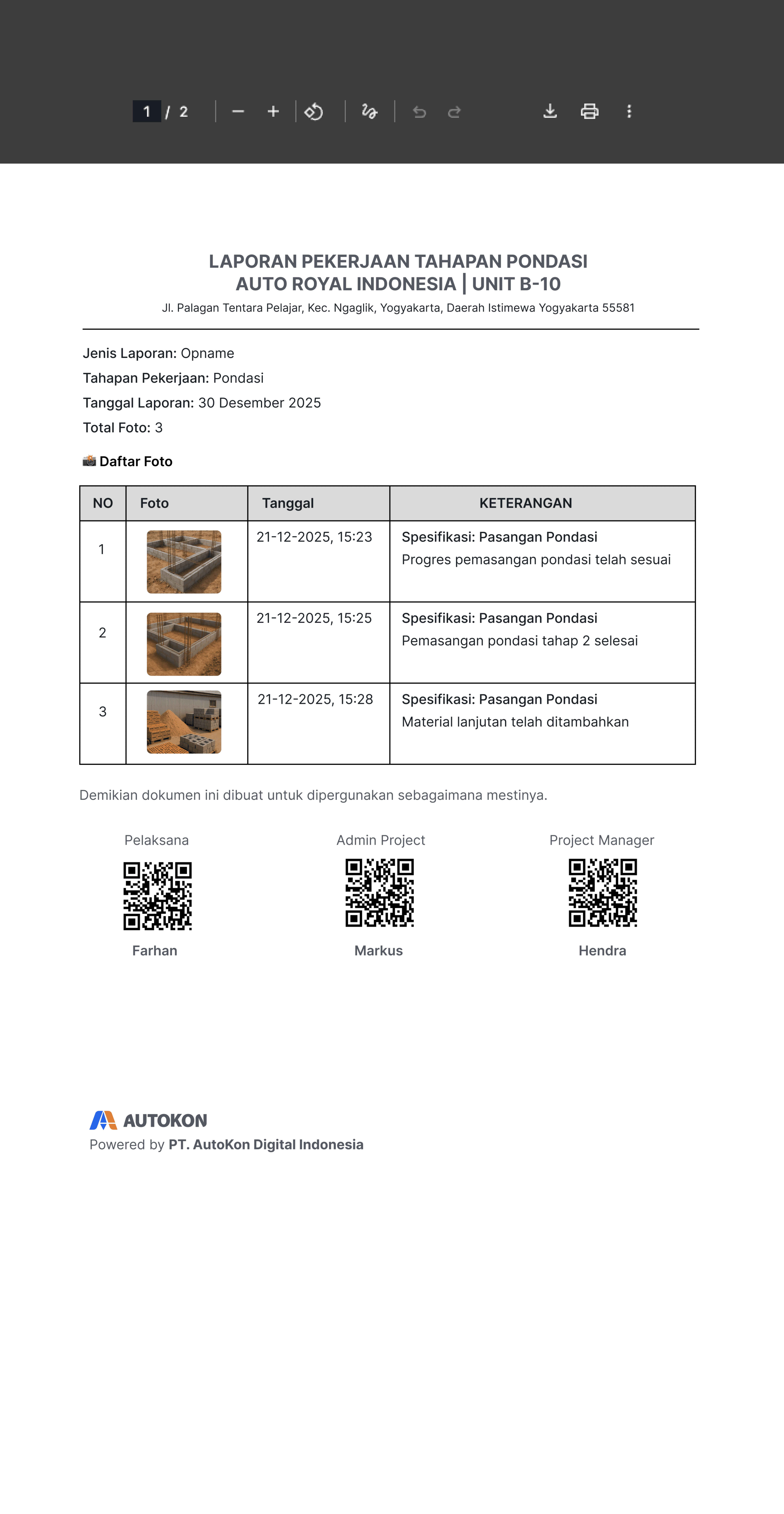
Step 3 — Auto-Generate Reports

Reports are generated directly from WhatsApp, including photos, descriptions, and approval records, keeping every progress update clear and auditable.

Step 1 — Capture Progress

Take photos of construction progress using a timestamp camera app. Each photo is geotagged and time-stamped, creating verified documentation from the field.

Step 2 — Send to TARA AI (via WhatsApp)

Send your photos to TARA AI, AutoKon’s AI assistant on WhatsApp. TARA AI organises your updates, logs key details, and prepares them for reporting.

Step 3 — Auto-Generate Reports

Reports are generated directly from WhatsApp, including photos, descriptions, and approval records, keeping every progress update clear and auditable.

Step 1 — Capture Progress

Take photos of construction progress using a timestamp camera app. Each photo is geotagged and time-stamped, creating verified documentation from the field.

Step 2 — Send to TARA AI (via WhatsApp)

Send your photos to TARA AI, AutoKon’s AI assistant on WhatsApp. TARA AI organises your updates, logs key details, and prepares them for reporting.

Step 3 — Auto-Generate Reports

Reports are generated directly from WhatsApp, including photos, descriptions, and approval records, keeping every progress update clear and auditable.

Our Team

A team of experienced leaders focused on improving construction and handover clarity through proven execution and strategy.

Dr. Marzuki Darusman

Chairman of Advisory Board
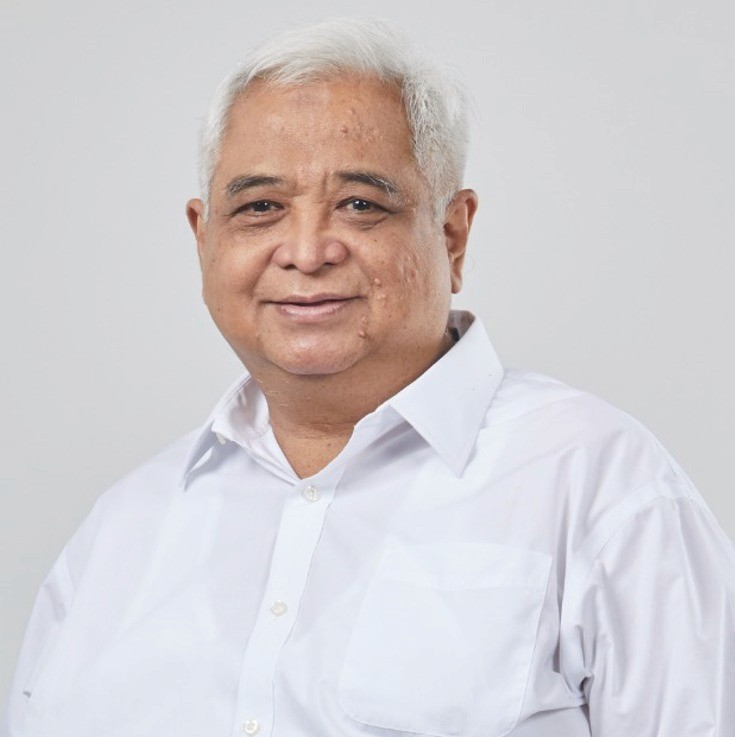
Dr. Iskandar Saleh

Chief Strategy Officer
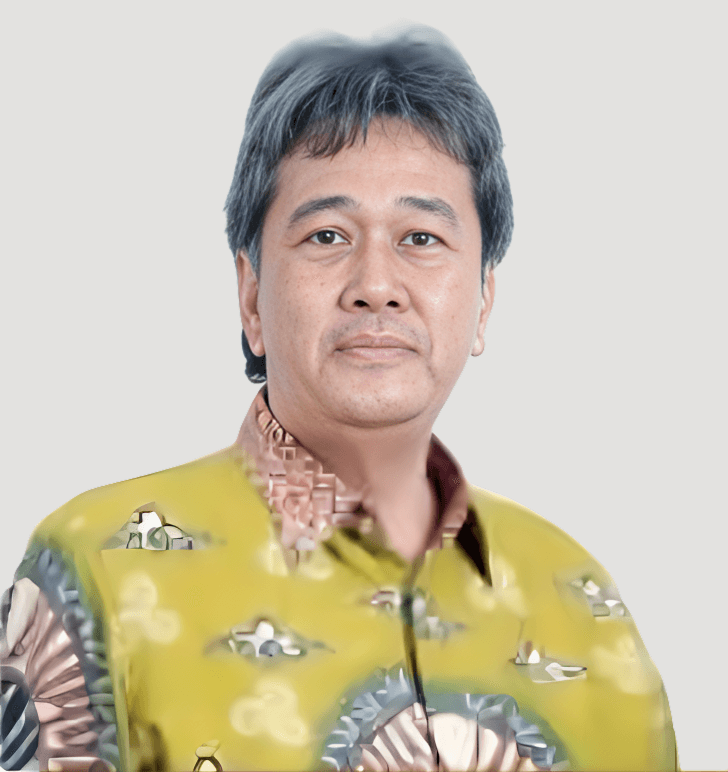
Ir. Ardi Prasetiawan

Managing Director

Ir. Budi Susilo

Senior Strategic Advisor

Sulistio Sugiharto

Senior Strategic Advisor

Managing

Director

Dickson Lai

Venture Builder

Chief Executive

Officer

Eko Bramantyo

Chief Business Officer

Chief Business

Officer

Faishal Wahidudin

Chief Technology Officer

Triyan Wibowo

Chief Product & Design Officer

Adrian Irvananto

VP Product

Frequently asked questions

If you can't find what you are looking for don't hesitate to contact us.
  • Do site teams need to install a new app?

  • Does AutoKon change how contractors or site teams work?

  • What makes AutoKon reports trusted?

  • Can AutoKon reports be used for contractor payment approval?

  • How fast can we start?

  • What is the minimum project size?

  • Is AutoKon a full construction management system?

  • What happens to our data after the project is completed?

  • Do site teams need to install a new app?

  • Does AutoKon change how contractors or site teams work?

  • What makes AutoKon reports trusted?

  • Can AutoKon reports be used for contractor payment approval?

  • How fast can we start?

  • What is the minimum project size?

  • Is AutoKon a full construction management system?

  • What happens to our data after the project is completed?

  • Do site teams need to install a new app?

  • Does AutoKon change how contractors or site teams work?

  • What makes AutoKon reports trusted?

  • Can AutoKon reports be used for contractor payment approval?

  • How fast can we start?

  • What is the minimum project size?

  • Is AutoKon a full construction management system?

  • What happens to our data after the project is completed?

Try AutoKon on One Project

See how site updates become verified reports — all through WhatsApp.

Try AutoKon on One Project

See how site updates become verified reports — all through WhatsApp.

Try AutoKon on One Project

See how site updates become verified reports — all through WhatsApp.

Registered with the Ministry of Communication and Digital of the Republic of Indonesia (Komdigi) as a licensed Electronic System Operator.

Paperless • Real-Time • Decision-Ready

© 2025 AutoKon. All rights reserved. PT AutoKon Digital Indonesia – Registered Electronic System Operator (PMSE) under Komdigi No. 019652.01/DJAI.PSE/08/2025

Registered with the Ministry of Communication and Digital of the Republic of Indonesia (Komdigi) as a licensed Electronic System Operator.

Paperless • Real-Time • Decision-Ready

© 2025 AutoKon. All rights reserved. PT AutoKon Digital Indonesia – Registered Electronic System Operator (PMSE) under Komdigi No. 019652.01/DJAI.PSE/08/2025

Registered with the Ministry of Communication and Digital of the Republic of Indonesia (Komdigi) as a licensed Electronic System Operator.

Paper-less. Real-Time.
Hassle-Free.

© 2025 AutoKon. All rights reserved. PT AutoKon Digital Indonesia – Registered Electronic System Operator (PMSE) under Komdigi No. 019652.01/DJAI.PSE/08/2025